The Thumbnail Grid View
For those folders containing multiple image files FNO3
provides a Thumbnail Grid browser. This provides useful tool for quickly locating
images within a folder.
1. To display the Thumbnail Grid view select 
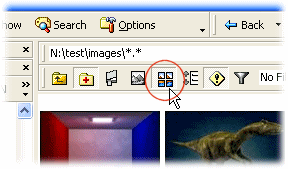
2. The Thumbnail Grid is shown enabled in the screenshot below:

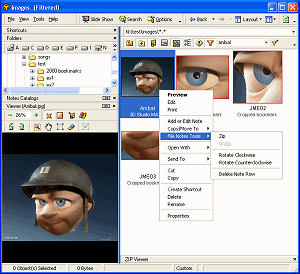
3. The standard right click menu is available for images
displayed in the thumbnail grid
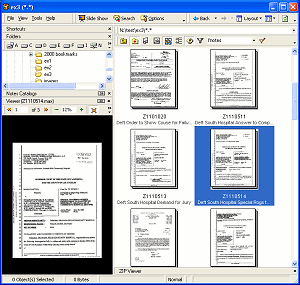
4. The thumbnail grid view also supports PaperPort MAX
thumbnails
 Note
Note
- Only Images are displayed in the thumbnail grid, non-image
files in the folder are ignored
- The filename (or Bookmark name)
and Notes1 field contents are displayed under
each thumbnail image
- Normal File List functionality is available in the
thumbnail grid such as viewing Bookmarks (of cropped or zoomed image
segments), or dragging files into another Windows application or the
Desktop.
File Filter Toolbar
Bookmarks
Image Editing Toolbar